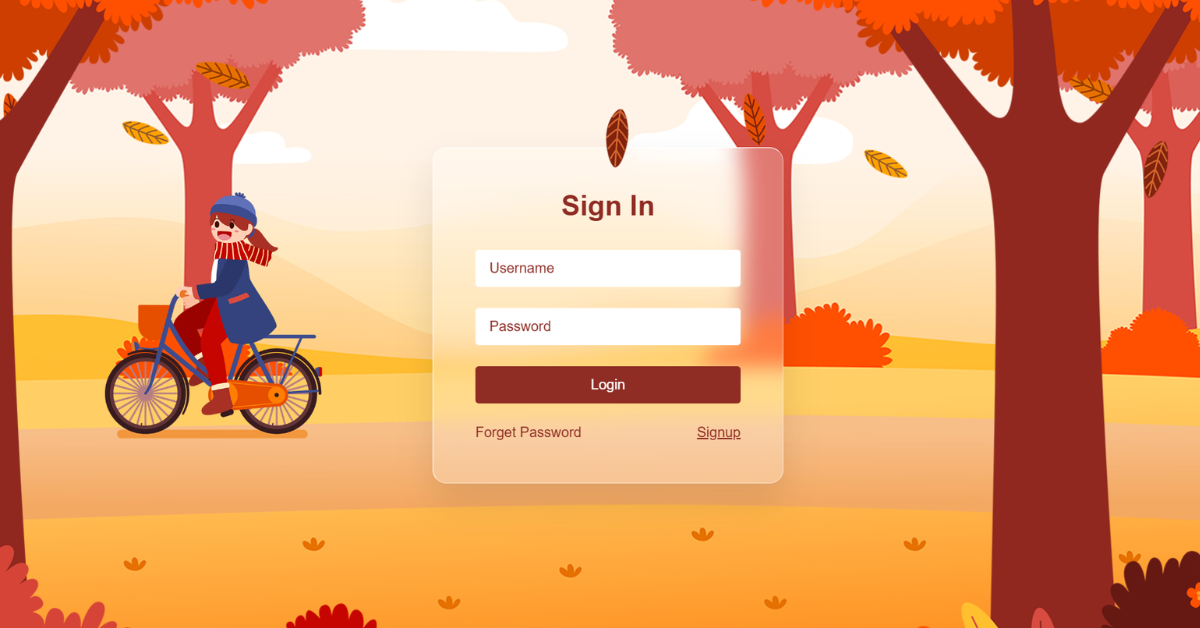
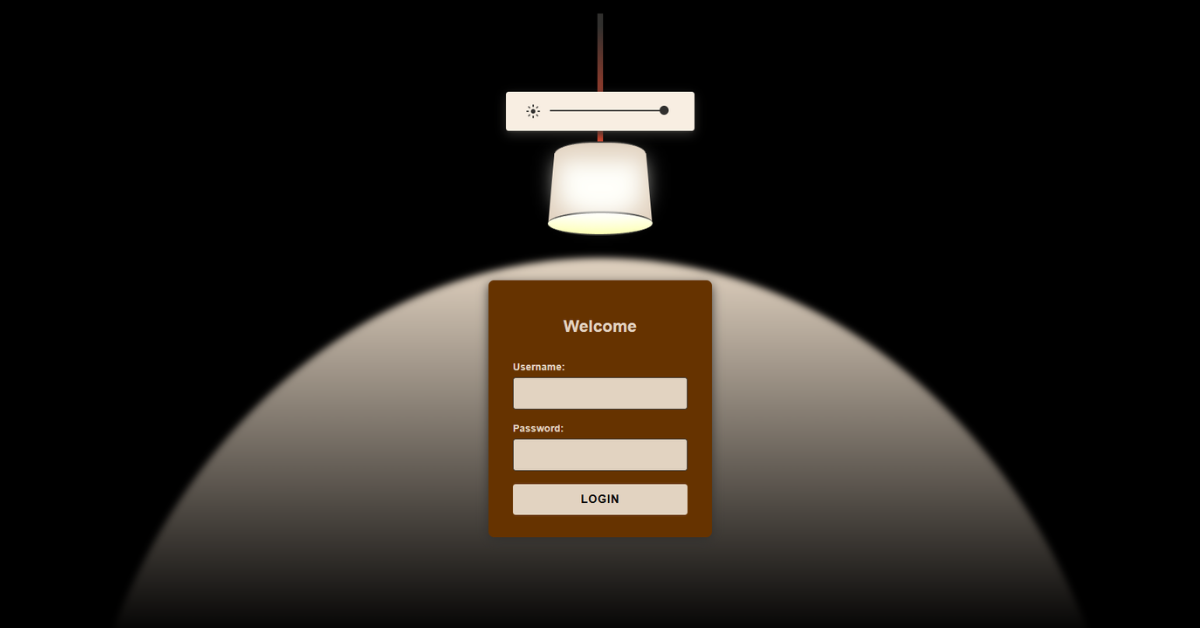
This project is a creative animated login form designed to make user interaction fun and engaging. The login button intelligently avoids the cursor when required fields are empty, encouraging users to fill in the form correctly. A soft glassmorphism effect combined with a scenic background image gives the UI a modern, elegant look. Real-time validation feedback guides the user as they type. Overall, the project blends humor, usability, and clean frontend logic using HTML, CSS, and JavaScript.
HTML
<div class="form-container">
    <form class="centered-flex"></form>
</div>
The HTML defines a centered login interface wrapped inside a main container. A dedicated .form-container holds the user icon and the login form, keeping the layout compact and focused. Input fields for username and password are grouped into reusable .field elements with icons for clarity. A message area is included to display validation feedback dynamically.
The login button is placed inside a separate button container to allow movement animations. Additional UI elements such as “Remember me” and “Forget Password” enhance realism. The structure is semantic and minimal, avoiding unnecessary markup. Font Awesome icons are used to visually guide the user. The HTML does not handle logic, only structure. Overall, it provides a clean foundation for animation and interaction.
CSS
.shift-left {
    transform: translateX(-120%);
}
The CSS is responsible for the visual design and playful motion effects of the form. A full-screen background image sets a calm, aesthetic tone. Glassmorphism is achieved using transparency, borders, and backdrop blur on the form. The login button movement is handled through directional transform classes like shift-left, shift-right, and shift-top.
Smooth transitions make button movement feel natural rather than abrupt. Typography and spacing are tuned for clarity and elegance. Input fields use bold styling and subtle borders for focus feedback. Icons are positioned absolutely for a polished look. The layout remains centered across screen sizes. Overall, CSS delivers both beauty and animation logic.
JavaScript
btn.classList.add(nextPosition);The JavaScript controls the intelligent behavior of the login button. It continuously checks whether the username or password fields are empty. If inputs are missing, the button is disabled and moves away when hovered or touched. This movement is achieved by cycling through predefined CSS transform classes.
A message is displayed to inform the user why the action is blocked. Once both fields are filled, the button stops moving and becomes clickable. Input listeners provide real-time validation feedback. Mouse and touch events are both supported for desktop and mobile users. The logic is lightweight and easy to follow. Overall, JavaScript acts as the brain that connects user input with playful UI behavior.