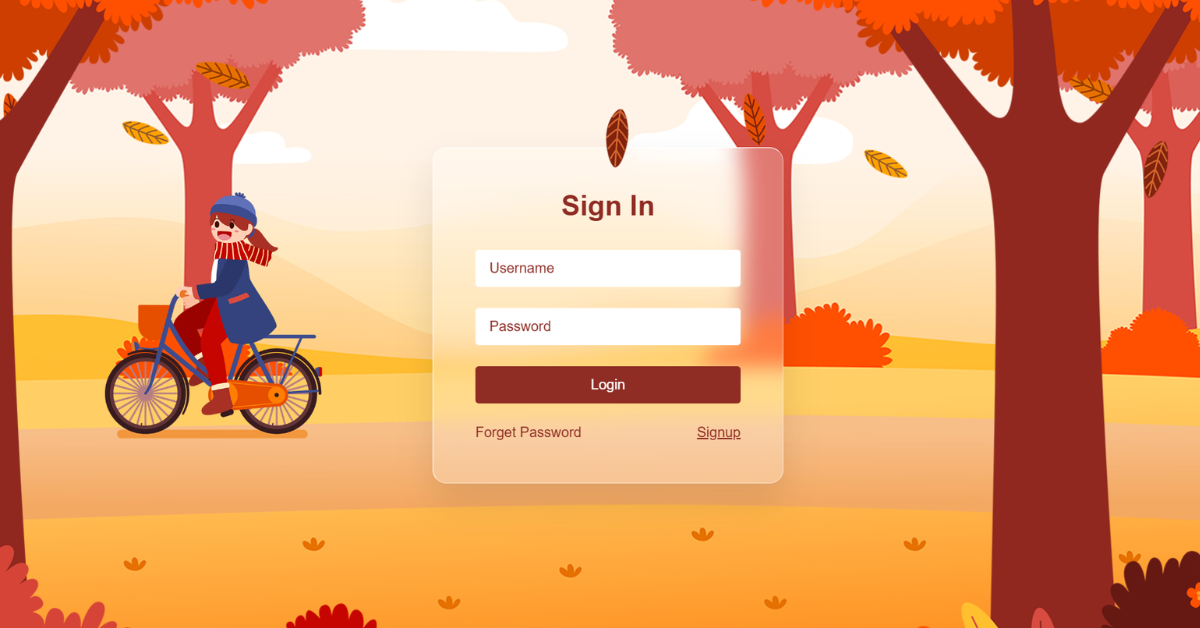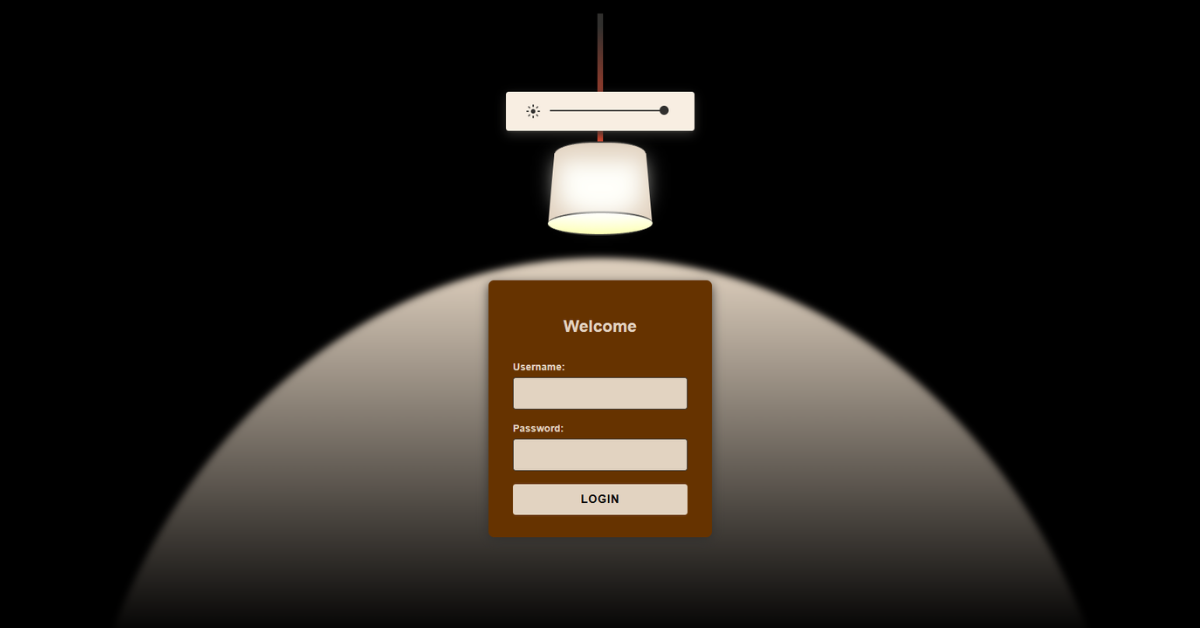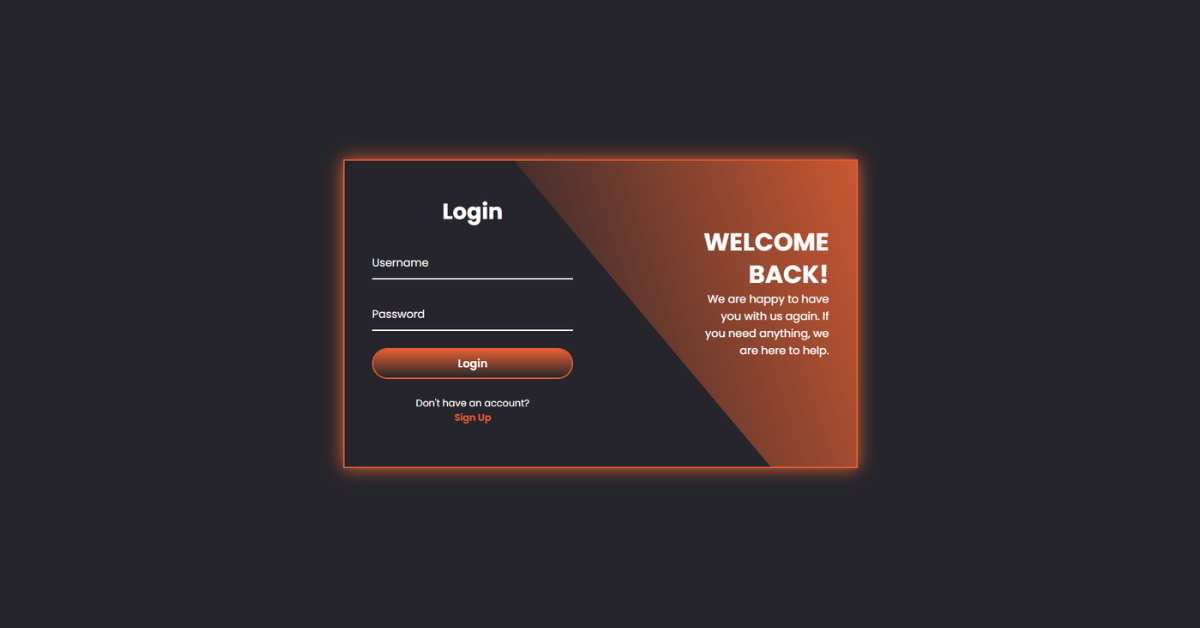
This project is a modern animated Login and Register interface built using HTML, CSS, and a small amount of JavaScript. It features smooth transitions between login and signup forms inside a single container. Curved background shapes and staggered animations give the UI a premium, app-like feel. The form switch is triggered without page reload, enhancing user experience. Overall, the project demonstrates clean UI animation, state-based styling, and minimal JavaScript logic.
HTML
<div class="container">
    <div class="form-box Login"></div>
    <div class="form-box Register"></div>
</div>
The HTML defines a single main container that holds both the Login and Register forms. Each form is wrapped inside its own .form-box element, allowing them to animate independently. Informational text sections sit beside the forms to guide the user visually. Decorative curved background elements are placed directly inside the container for layered animation effects. Input fields use labels and icons to support floating-label interactions.
Animation timing is controlled using CSS custom properties set inline on elements. The structure avoids duplication by keeping both forms on the same page. Links inside the forms act as triggers to switch views. No form submission logic is included, keeping the focus on UI behavior. Overall, the HTML provides a clean and animation-friendly structure.
CSS
.container.active .form-box.Register .animation {
    transform: translateX(0%);
    opacity: 1;
}
The CSS is the core engine of this project’s animation and styling. It uses positioning and transforms to slide forms in and out of view. The .active class on the container controls whether Login or Register content is visible. Transition delays combined with CSS variables create staggered animations for headings, inputs, and buttons.
Curved background shapes rotate and skew to visually separate states. Floating labels react to input focus and validity without JavaScript. Color transitions highlight active fields and buttons for better feedback. Blur effects add depth during transitions. The layout remains centered and responsive across screen sizes. Overall, CSS handles layout, animation, and visual polish.
JavaScript
container.classList.add('active');The JavaScript in this project is intentionally minimal and focused. It selects the main container and the Sign In / Sign Up links. Clicking the Sign Up link adds the active class to the container, triggering CSS animations. Clicking the Sign In link removes the class, reversing the animation. No DOM elements are created or removed dynamically.
The script relies entirely on CSS for visual transitions. This separation keeps the logic clean and easy to maintain. Event listeners handle user intent without complex conditions. The approach improves performance and readability. Overall, JavaScript acts purely as a state switch for the UI.