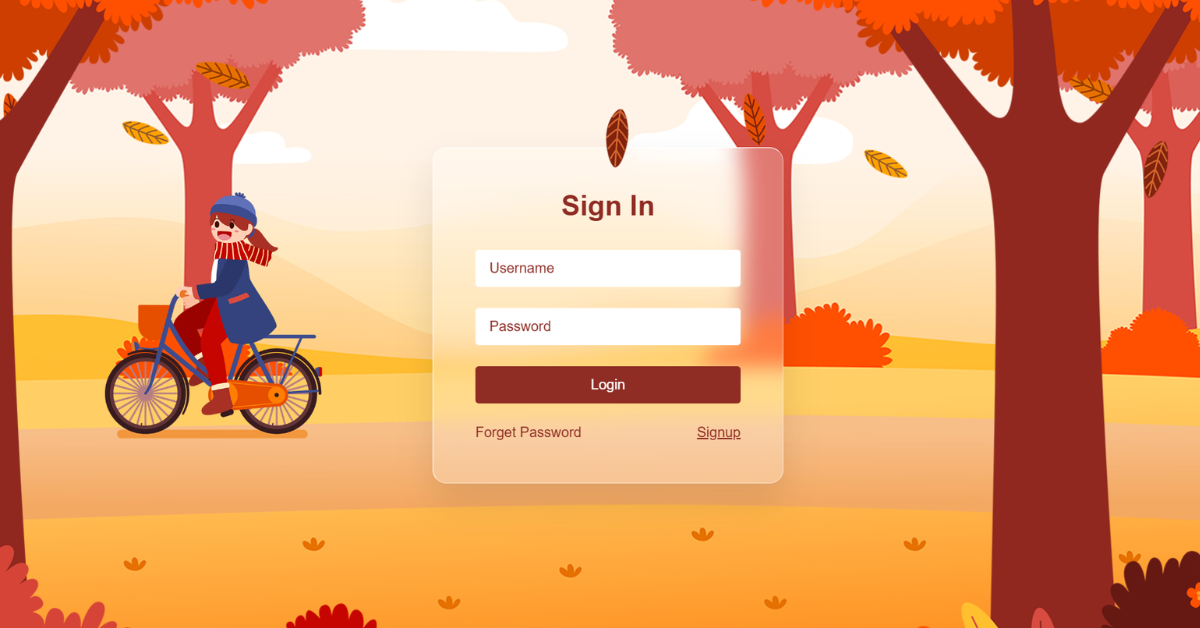
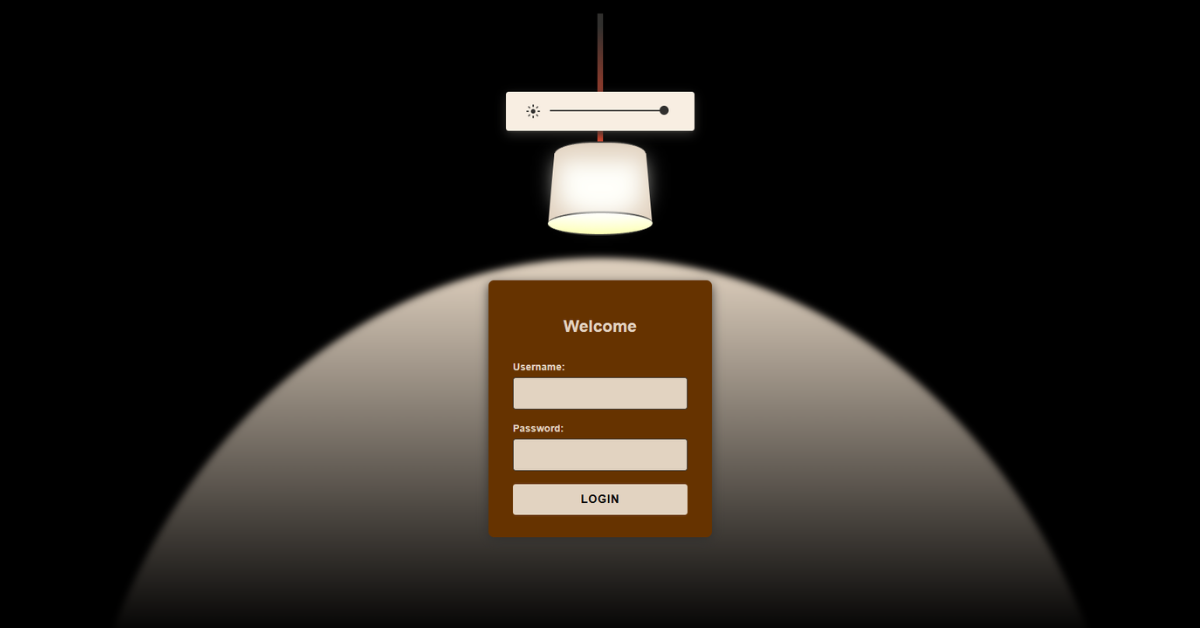
This project is a creative lamp-themed login interface that turns a real-world interaction into a digital experience. The user “turns on” a hanging lamp, and the light reveals a login form beneath it. A scenic background image enhances the ambience while the lamp glow guides user focus. The entire interaction is driven mainly by CSS states, with minimal JavaScript for form handling. Overall, the project blends storytelling, UI animation, and modern visual design.
HTML
<div id="turnon">
    <a href="#turnon" class="lamp"></a>
    <div class="login-form"></div>
</div>
The HTML builds the lamp and login system using simple semantic elements. The #turnon container acts as the main interactive state holder using URL hash targeting. Anchor elements styled as the lamp and switch allow toggling between on and off states without JavaScript. Visual components such as the bulb, string, and light cone are layered inside the container.
A “LOGIN” label floats near the lamp to guide the user initially. The login form is embedded directly inside the light area so it appears only when illuminated. Form fields are standard inputs for username and password. A close button resets the interaction by changing the URL hash. No SVG or canvas is used, keeping markup lightweight. Overall, HTML provides structure while CSS handles behavior.
CSS
#turnon:target .light {
    opacity: 0.2;
}
CSS is the core engine of this project’s interaction and animation. The background combines a scenic image with a dark overlay to simulate nighttime. The lamp shape is built entirely from borders, creating a realistic hanging shade. The light cone uses massive transparent borders to form a glowing triangular beam.
The :target selector is used to detect when the lamp is switched on, triggering visual changes. When active, the bulb brightens, the background lightens slightly, and the login form fades into view. Smooth transitions give a natural lighting effect. Glassmorphism styling adds elegance to the form. Hover effects improve feedback on buttons. Overall, CSS transforms static elements into an interactive scene.
JavaScript
function handleLogin(event) {
    event.preventDefault();
}
The JavaScript in this project is intentionally minimal and focused only on form logic. It prevents the default form submission to keep the page from reloading. User input values are read directly from the username and password fields. A simple validation check ensures both fields are filled. On successful login, a welcome alert is shown for feedback.
The lamp is then turned off by resetting the URL hash. The form inputs are cleared to prepare for the next interaction. No animations are controlled by JavaScript. This separation keeps logic clean and maintainable. Overall, JavaScript acts only as a behavioral helper.